Auto Hunt
Run beast hunts on a steady cadence so your hero XP and loot flow keep up with the frozen wasteland.
Whiteout Survival Bot on MAS
The Whiteout Survival Bot (also called a Whiteout bot or WOS bot) is an automation tool that runs inside Macro Automation Studio to play Whiteout Survival for you on Windows and Apple Silicon Mac. It handles Auto Hunt, Intel, Farm, Healing, Join Rallies and the full daily activity checklist without any coding.
No coding. No scripts. Configure and survive the frost.
By Macro Automation Studio Team · Published · Last updated
Core modules: Auto Hunt, Intel, Farm, Healing Bot, many daily activities, and more.
Launch these Whiteout bot modules in minutes and let MAS handle the repetitive grind while you focus on SvS, alliance strategy, and chief order.
Run beast hunts on a steady cadence so your hero XP and loot flow keep up with the frozen wasteland.
Clear Intel task loops reliably so your frost-bitten account stays active and eligible for rewards.
Automate resource farming cycles so meat, coal, iron and wood stockpiles never run dry.
Join alliance rallies with configurable timing and pacing so you never miss the squad call in the cold.
Clear the full daily checklist on autopilot - every reward, every day, through every blizzard.
Automate healing routines to keep troops battle-ready for rallies, SvS, and frozen-front fights.
See the interface used to run, monitor, and control your Whiteout Survival bot sessions inside Macro Automation Studio.
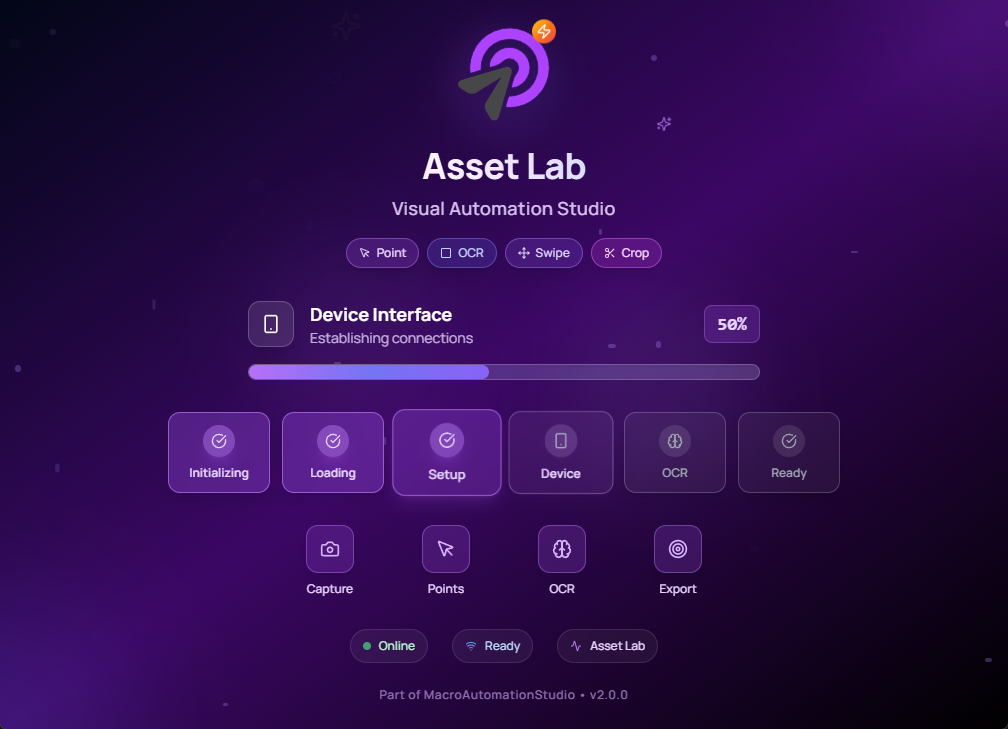
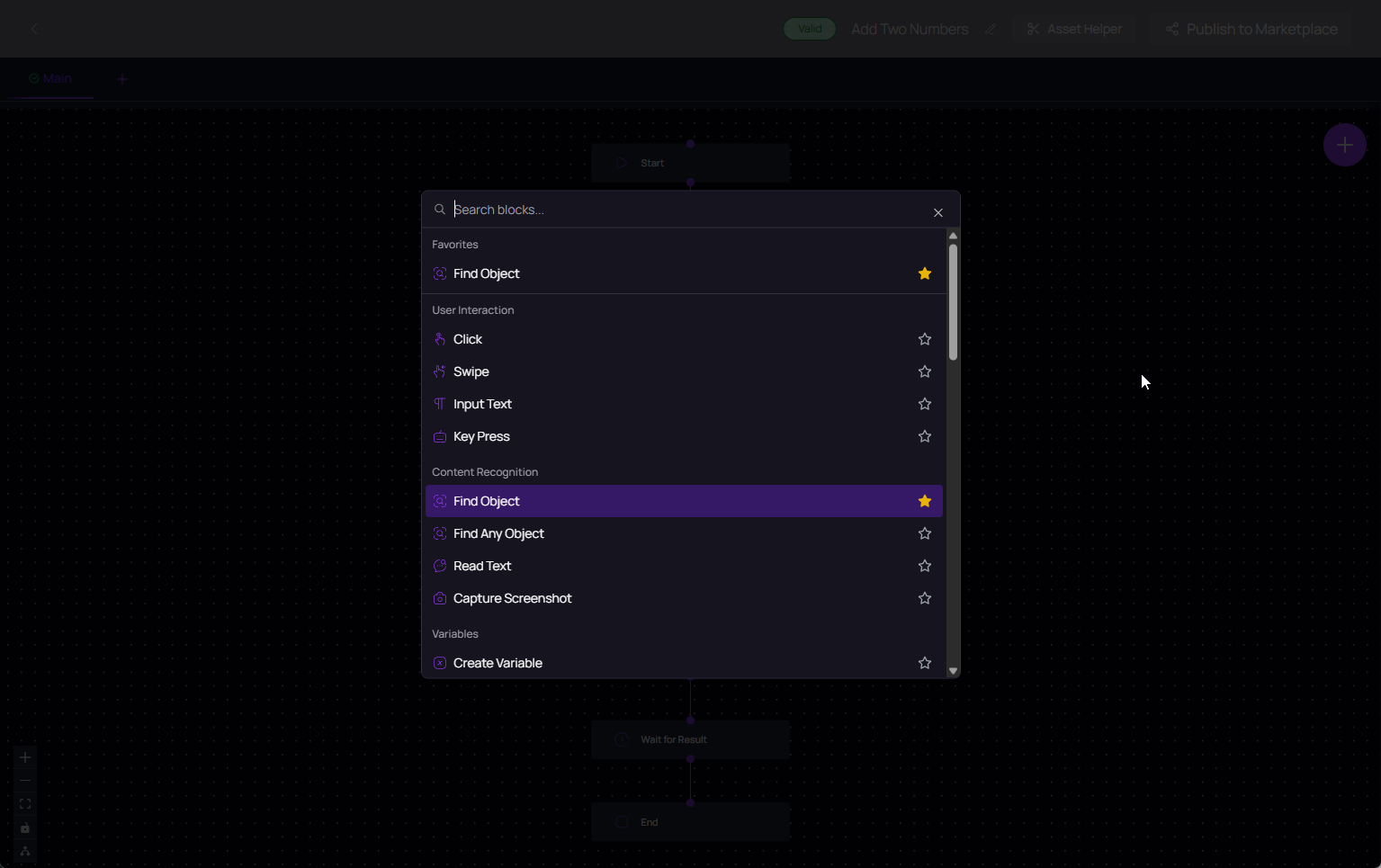
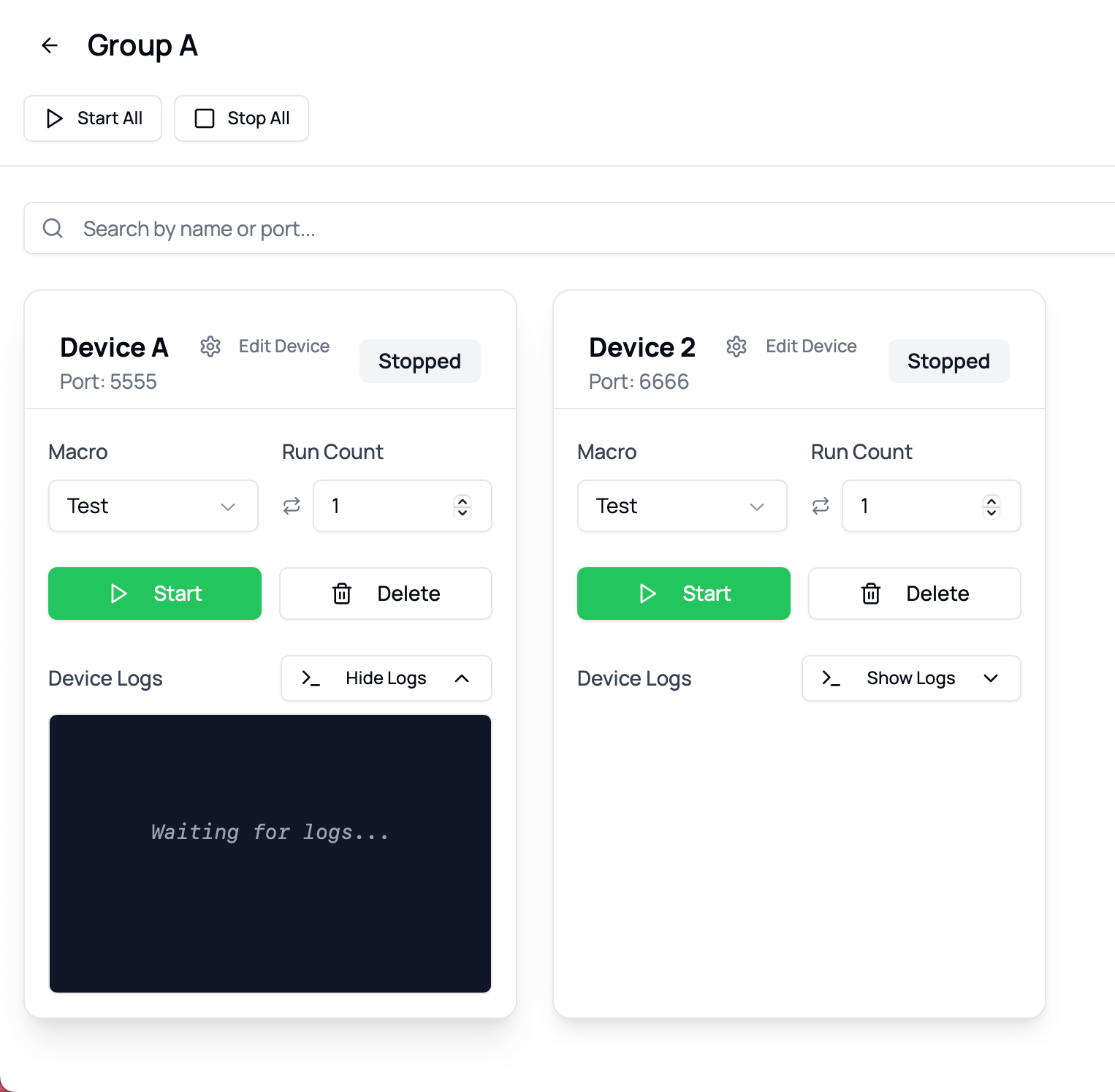
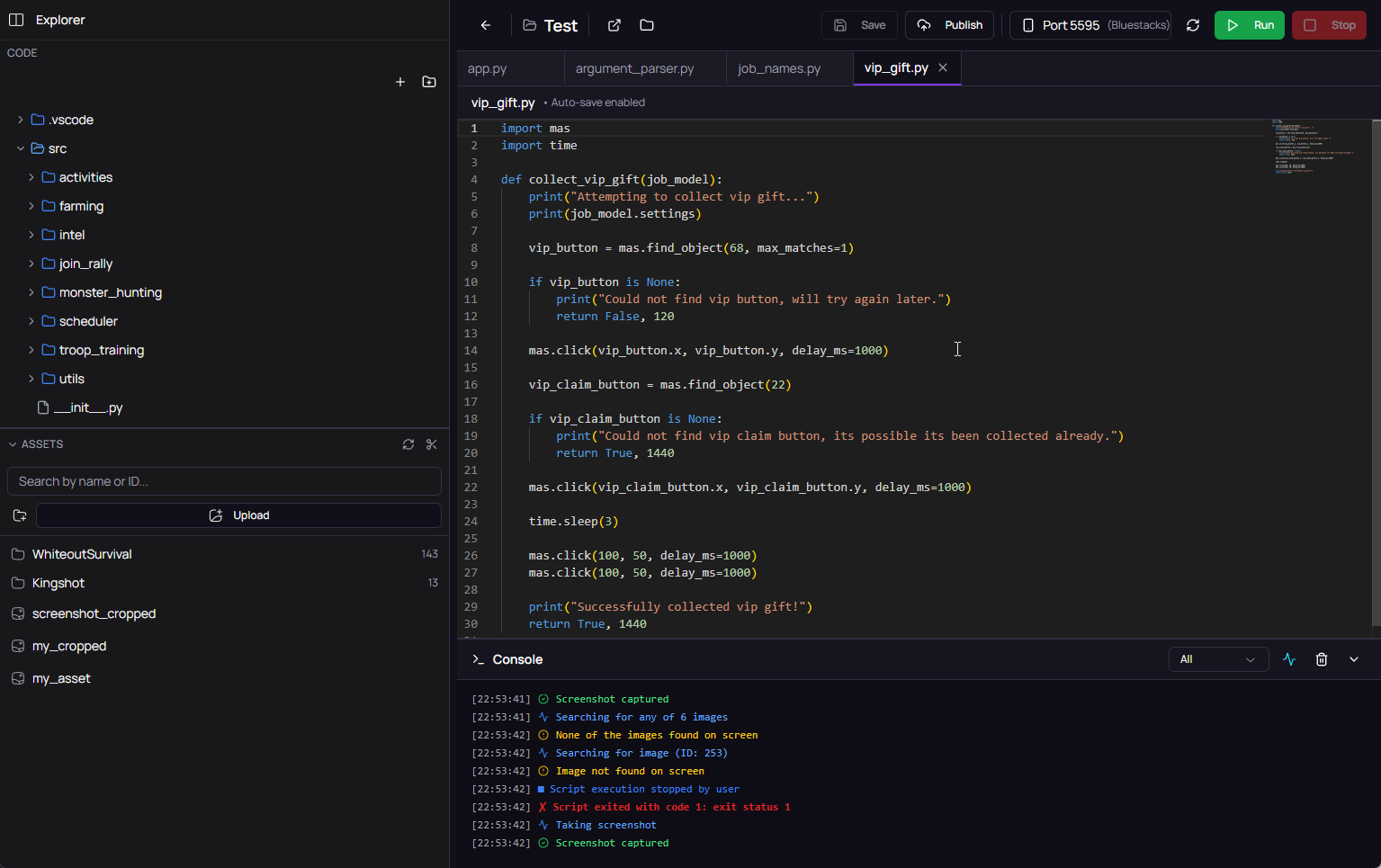
From download to your first automated Whiteout bot run in about 5 minutes. No coding, no scripts, no command line.
Download the free Macro Automation Studio installer for Windows 10/11 or Apple Silicon macOS and run the installer.
Get Macro Automation StudioLaunch Whiteout Survival inside your preferred Android emulator (BlueStacks, LDPlayer, MEmu, MuMu Player) on Windows or on your Apple Silicon Mac, or on a MAS cloud device, and connect it to MAS as a device.
Open the Whiteout Survival preset and toggle the modules you want - Auto Hunt, Intel, Farm, Healing, Join Rallies, and Daily Activities.
Set your pacing and press Start. MAS runs the Whiteout Survival bot routines on loop while you sleep, work, or focus on strategy. Pause or reconfigure any time.
Macro Automation Studio keeps your Whiteout Survival account active across long progression cycles and brutal SvS rotations. Configurable pacing, multi-account device groups, and module-based control mean you decide exactly how aggressive the bot runs.
Deep dives on the core loops the Whiteout Survival bot automates.
Beast priority, stamina cap math, hero XP routing, and how to run Auto Hunt continuously.
Read the Auto Hunt guideThe four-loop rotation, resource priority by chief level, and multi-account farming strategy.
Read the farming guideBlueStacks vs LDPlayer vs MEmu vs MuMu Player - compared for long Whiteout Survival bot sessions.
Compare emulatorsPlay another 4X survival game? MAS runs these bots too.
A Whiteout bot (short for Whiteout Survival bot, sometimes called a WOS bot) is an automation tool that plays Whiteout Survival for you - running Auto Hunt, Intel, Farm, Healing, Rallies and daily activities on a loop so your account stays active without manual grinding.
Yes. The Whiteout Survival bot runs inside Macro Automation Studio, a native app on Windows 10/11 and on Apple Silicon macOS (M1 to M5).
No coding required. This page is for running a Whiteout Survival bot on MAS - install the app, pick the modules you want, and start the run.
Auto Hunt, Intel, Farm, Healing Bot, Join Rallies, and the full daily activity checklist. Additional modules are available depending on your setup.
No automation tool is 100% risk-free. MAS runs externally via image recognition and humanized input timing - it does not modify game files or read memory. Slower, more spaced-out Whiteout Survival bot runs reduce your footprint. Use any automation responsibly and at your own discretion.
Most users are running in minutes. Download MAS, point it at your emulator or Apple Silicon instance, load a Whiteout Survival preset, and hit start.
Yes. MAS supports running modules across multiple device groups in parallel, which is ideal for managing several Whiteout Survival accounts from one machine.
On Windows, the Whiteout Survival bot works well with BlueStacks, LDPlayer, MEmu, and MuMu Player. BlueStacks and LDPlayer are the most stable for long farming and Intel sessions. Apple Silicon Mac users don't need an emulator at all.
Yes. Macro Automation Studio itself runs natively on Apple Silicon Mac (M1 to M5), so you need no Windows PC or virtual machine. The game still runs in an Android emulator on your Mac or on a MAS cloud device, and MAS drives it from there. Run the full Whiteout Survival bot - Auto Hunt, Farm, Healing, Rallies, daily activities - on macOS.
MAS itself is lightweight. The bulk of CPU and RAM comes from the Whiteout Survival client and the emulator (on Windows). A single account typically runs comfortably on 4 GB of RAM; multi-account setups scale with the number of emulator instances you open.
Download Macro Automation Studio and launch your Whiteout Survival bot setup on Windows or Apple Silicon Mac in minutes.
Download MAS and Start RunningResults depend on your selected settings, pacing, and run schedule. Use any automation tool responsibly and at your own discretion.
Cookies on this site
We use Google Analytics to see which pages help people. It sets cookies and sends your IP address to Google. Nothing loads until you choose, and you can change your mind from "Cookie settings" in the footer. How we use cookies.