Skip to content
Macro Automation Studio
Agent Cloud Devices MCP Pricing Features Gallery Blog Docs Discord
Englishen Españoles Português (Brasil)pt-BR 日本語ja Tiếng Việtvi 한국어ko 简体中文zh-CN
Download
Agent Cloud Devices MCP Pricing Features Gallery Testimonials Blog Docs Discord Download
Language Englishen Españoles Português (Brasil)pt-BR 日本語ja Tiếng Việtvi 한국어ko 简体中文zh-CN
This page is available in . Switch
Home/Blog/Cloud devices

Guides about Cloud devices

3 guides
Cloud devicesGamesEmulatorsAI agentMacrosBlueStacksKingshotLast Asylum PlagueLDPlayer
Cloud devicesGames

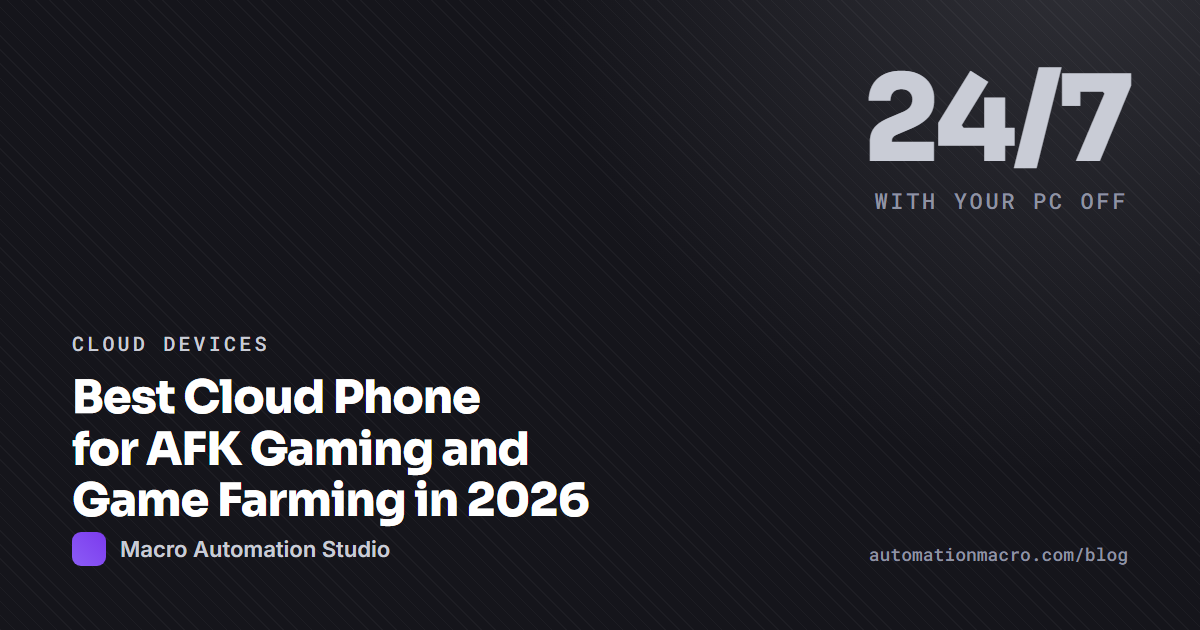
Best Cloud Phone for AFK Gaming and Game Farming in 2026

What to look for in a cloud phone for AFK gaming: always on, GPU rendering, automation on the device, flat monthly pricing and multi-device scheduling.
8 min read September 4, 2026
Cloud devicesEmulators

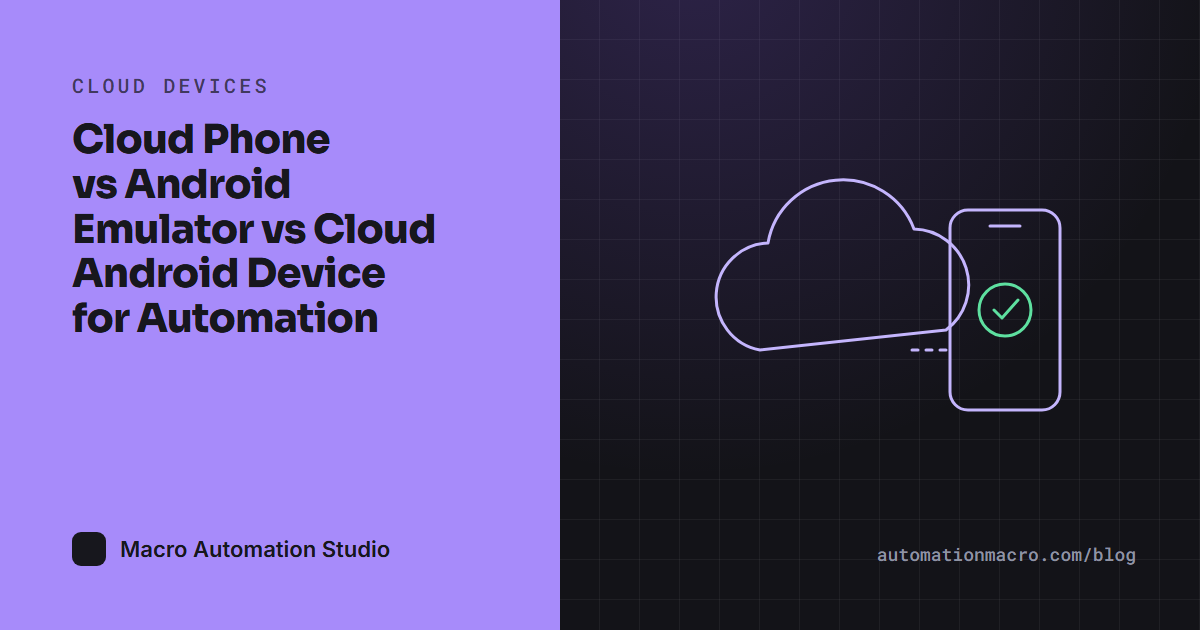
Cloud Phone vs Android Emulator vs Cloud Android Device for Automation

Emulators are free and local, cloud phones run without your PC, and a cloud Android device runs your macros itself. Cost, uptime and control compared.
5 min read September 4, 2026
Cloud devices

Cloud Android phone: run your apps and games 24/7 with your PC off

What a cloud Android phone is, how it compares to emulators and phone farms, and how MAS cloud devices run macros and the agent server-side around the clock.

5 min read August 31, 2026
Macro Automation Studio

Product

  • Agent
  • Cloud Devices
  • MCP
  • Pricing
  • Pricing summary
  • Features
  • Gallery
  • Testimonials
  • Download
  • Make a Bot for Any Game

Customized Bots

  • Whiteout Survival Bot
  • Kingshot Bot
  • Last Asylum Plague Bot

Documentation

  • Docs home
  • Getting started
  • Python SDK
  • API reference
  • MCP setup
  • Cloud devices
  • BlueStacks setup

Company

  • About
  • Discord

Legal

  • Privacy Policy
  • Fulfillment Policy
  • Terms and Conditions

© 2025 - 2026 Macro Automation Studio. All rights reserved. Cookie settings

Cookies on this site

We use Google Analytics to see which pages help people. It sets cookies and sends your IP address to Google. Nothing loads until you choose, and you can change your mind from "Cookie settings" in the footer. How we use cookies.