Macro Automation Studio: Build, Customize, and Run Powerful Automation Workflows
Macro Automation Studio is a flexible automation platform for building, customizing, and running advanced workflows using visual tools or Python.
Macro Automation Studio (MAS) is a powerful automation platform designed for users who want more control, flexibility, and transparency than traditional single-purpose bots.
MAS allows you to build, customize, and run automation workflows for Android applications using a combination of visual tools and developer-level scripting-without modifying app code or accessing memory.
👉 Download Macro Automation Studio
Compatible with Windows and macOS.
What Is Macro Automation Studio?
Unlike standalone scripts built for a single game or task, Macro Automation Studio is a general-purpose automation environment.
It provides the tools needed to:
- Automate repetitive tasks
- Build complex logic and decision-making workflows
- Reuse automation components across projects
- Scale from simple macros to full automation systems
MAS is designed to work externally using what is visible on screen, similar to how a human interacts with an application.
Core Features
Visual No-Code Workflow Builder
MAS includes a flow-chart based editor that allows users to build automation logic visually:
- Drag-and-drop action blocks
- Conditional branches and loops
- Timers, delays, and cooldown handling
- Clear, readable execution paths
This makes it possible to build advanced automation without writing code.
Python SDK for Advanced Users
For developers and power users, MAS includes a Python SDK that enables:
- Built-in Python IDE with automatic connection to the emulator AND access to assets.
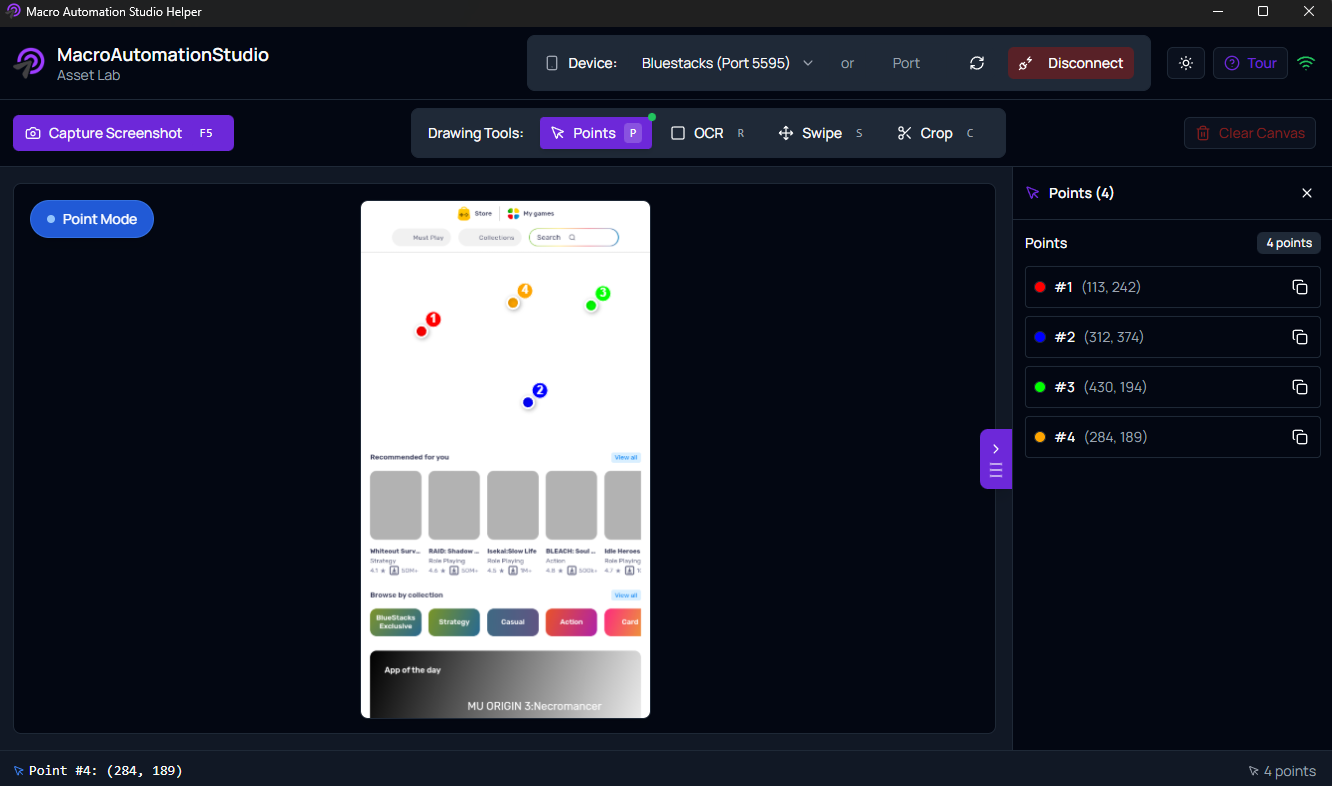
- Asset Helper to easily create assets to point to UI elements, detect points, swipes, and OCR.
- SDK which includes functions to automatically click, swipe, zoom, read text, and perform image recognition on an android emulator.
Asset Helper to easily manage Android Automation
Tired of figuring out where a button is? How to simulate swipes correctly? The Asset Helper is here for that!
- Detect points easily on a emulator
- Create assets to use for image recognition to easily click to objects
- Find OCR points and perform OCR to verify text-reading
- Perform swipes and get proper swipe coordinates
No more guessing.
Image & Text Recognition
MAS uses computer vision techniques to interact with applications:
- Image recognition to detect UI elements
- OCR (text recognition) to read on-screen values
- Threshold-based matching for reliability
- Conditional logic based on detected results
This allows automation to react dynamically to changing in-app states.
Android Emulator Support
Macro Automation Studio is designed to work with Android emulators, including:
- BlueStacks
- LDPlayer
- MuMu
- Other ADB-compatible emulators that let you use a port number!
Automation operates externally by observing the emulator display and sending human-like input.
Scheduler & Profile System
MAS includes built-in scheduling and profile management:
- Run workflows on schedules or intervals
- Separate profiles for different configurations
- Save and reuse settings per project
- Easily switch between automation setups
This makes long-term automation manageable and organized.
Macro Marketplace (Optional)
MAS supports a marketplace model where users can:
- Import prebuilt automation workflows
- Share or distribute macros
- All shared macros are subject to screening before allowing to be published.
This allows beginners to get started quickly while enabling advanced users to create and extend automation logic.
Safety & Design Philosophy
Macro Automation Studio is built with a strong emphasis on responsible automation:
- No code injection
- No modified APKs
- No memory reading or packet manipulation
- No changes to application files
All automation is driven by image recognition, OCR, and simulated input, keeping behavior transparent and configurable.
Who Macro Automation Studio Is For
MAS is ideal for:
- Users who want flexibility beyond one-click bots
- Developers building custom automation logic
- Power users managing complex or repetitive tasks
- Teams or individuals creating reusable workflows
It is designed for scalability-from simple macros to advanced automation systems.
Background & Experience
Macro Automation Studio is developed by a team with years of production experience automating Android at scale.
That experience has directly shaped MAS’s focus on reliability, safety, and long-term maintainability.
Getting Started
To learn more about Macro Automation Studio, explore available workflows, or start building your own automation:
👉 Download Macro Automation Studio
Final Thoughts
Macro Automation Studio is a toolkit.
Whether you prefer visual workflows or full scripting control, MAS provides a structured and extensible environment for building automation responsibly and efficiently.
As automation needs grow more complex, having the right platform matters.
Last updated: January 2026
Keep reading
Related guides
Macro Automation Studio 1.0.129: A Rebuilt Agent Chat
Release notes for Macro Automation Studio 1.0.129 (Windows) and 1.1.4 (macOS): a rebuilt MAS Agent chat, an agent that stays on task and sandbox-checked macros.
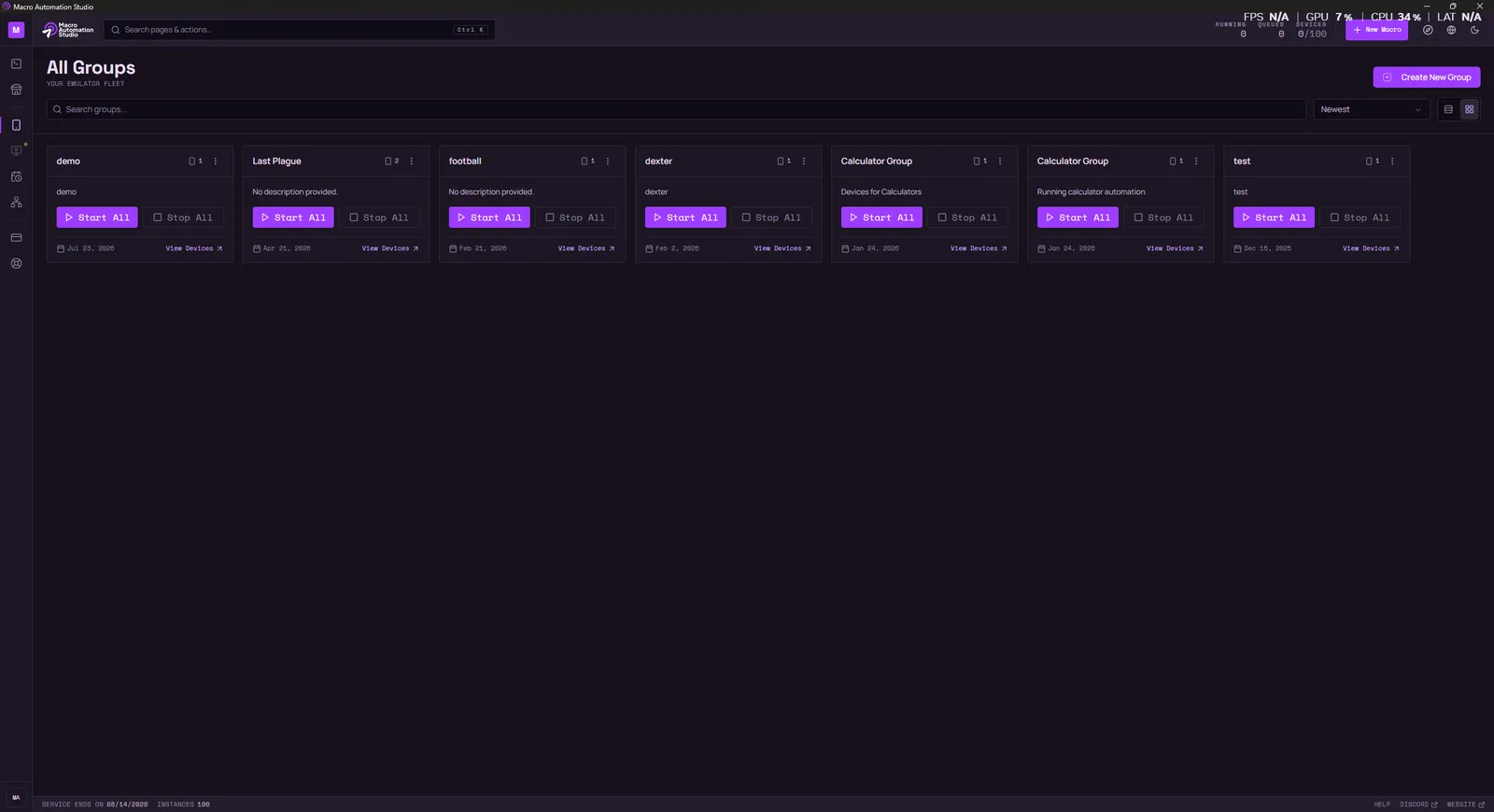
Macro Automation Studio 1.0.125: New Interface, Debugger, Rebuilt Engine
Release notes for Macro Automation Studio 1.0.125 and 1.0.23: a new interface, an in-editor Python debugger, a rebuilt execution engine and new SDK features.
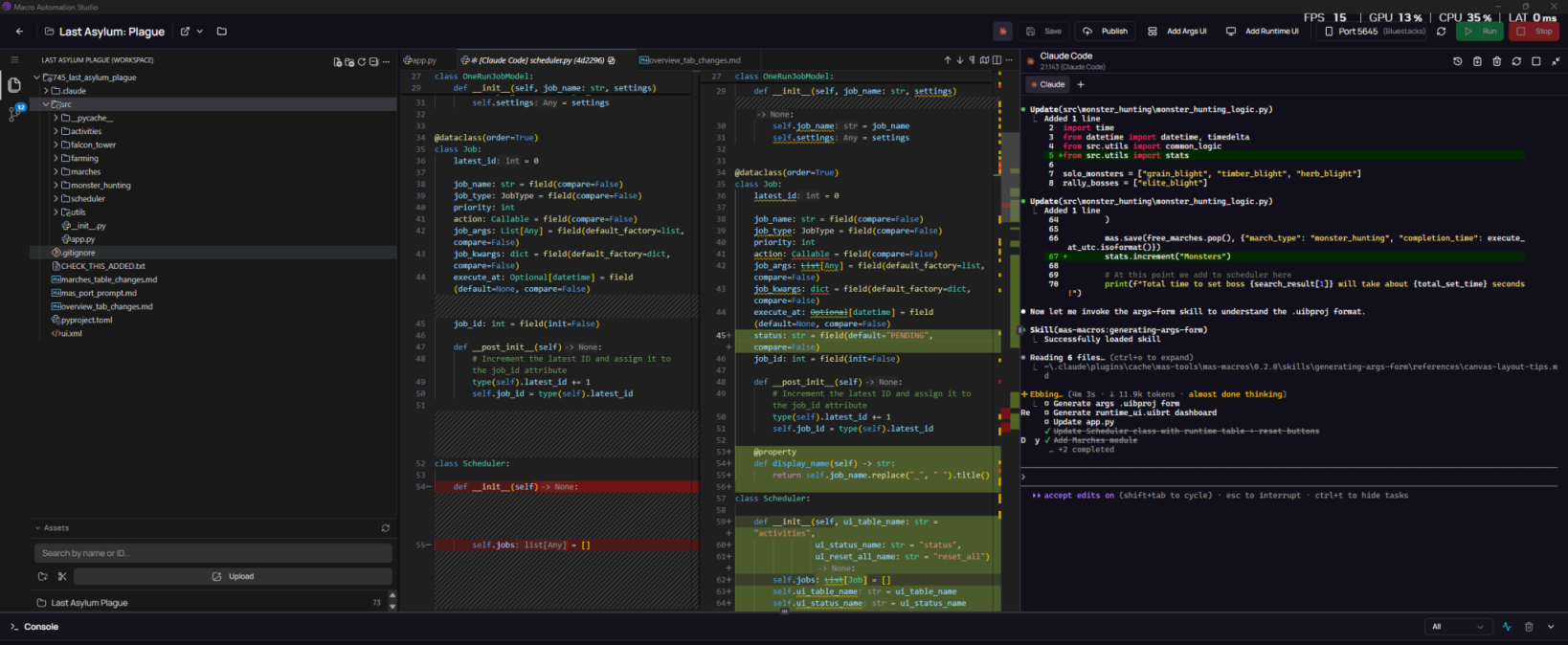
Macro Automation Studio 1.0.116 Major Update: Claude CLI, UI Builder, Git and More
Macro Automation Studio's biggest update yet: integrated Claude CLI, a visual UI Builder for forms and dashboards, built-in Git, and Korean OCR.
Ready to automate it?
Download Macro Automation Studio, point it at your emulator, cloud device or phone, and let the agent build the first macro.